Proof, frame by frame.
Real results from every model in the suite — not cherry-picked stills. Drag the wipe, zoom to 8×, step through individual frames, and download the clips to check our work, including head-to-heads against Topaz Video AI.
Low light stage — Original vs. the full flagship workflow — Refocus → Regenerate-Q
More flagship clipsPick a model. Pull it apart.
Every product has its own demo page with inspectable clips chosen to stress what that model actually does — and notes on what to look for.
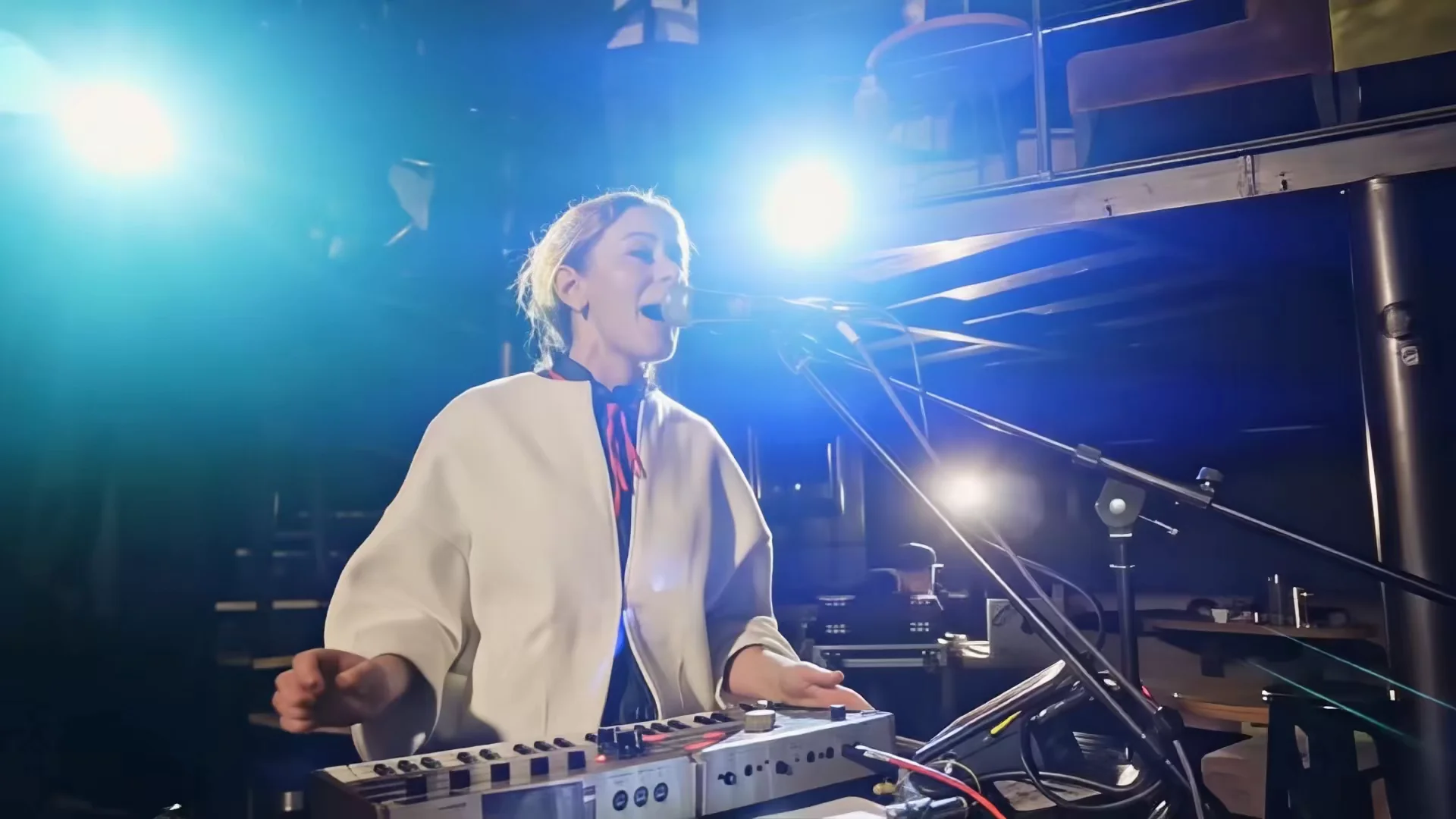 Streaming generative upscaling8 CLIPS
Regenerate-Q
The complete flagship upscale, including a Topaz Starlight head-to-head.
Inspect demos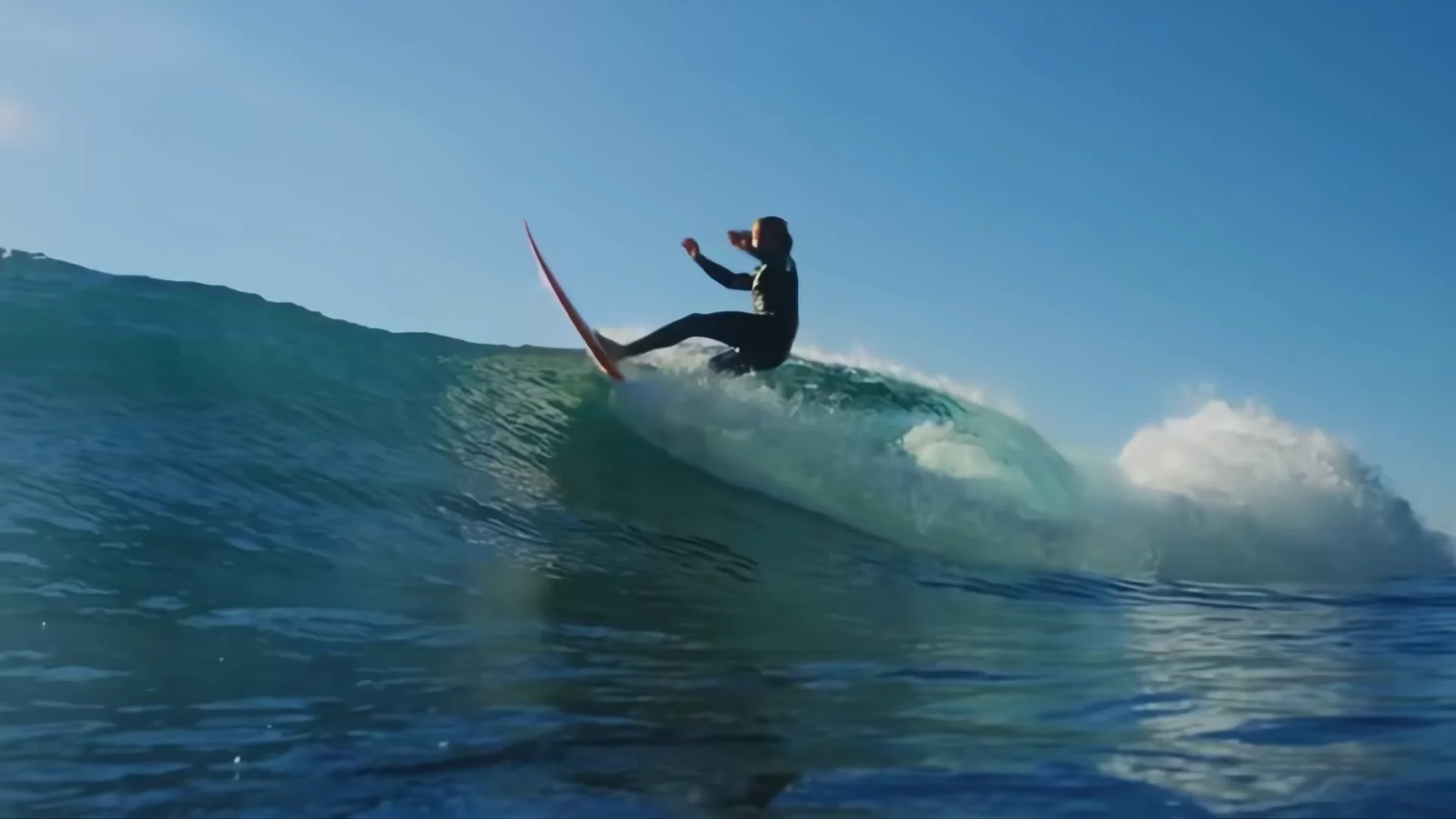 Fast 4× super-resolution14 CLIPS
Refocus
Motion-aware 4× upscaling — including Topaz Video AI head-to-heads.
Inspect demos Diffusion restoration2 CLIPS
Regenerate
Full diffusion restoration on footage everything else has given up on.
Inspect demos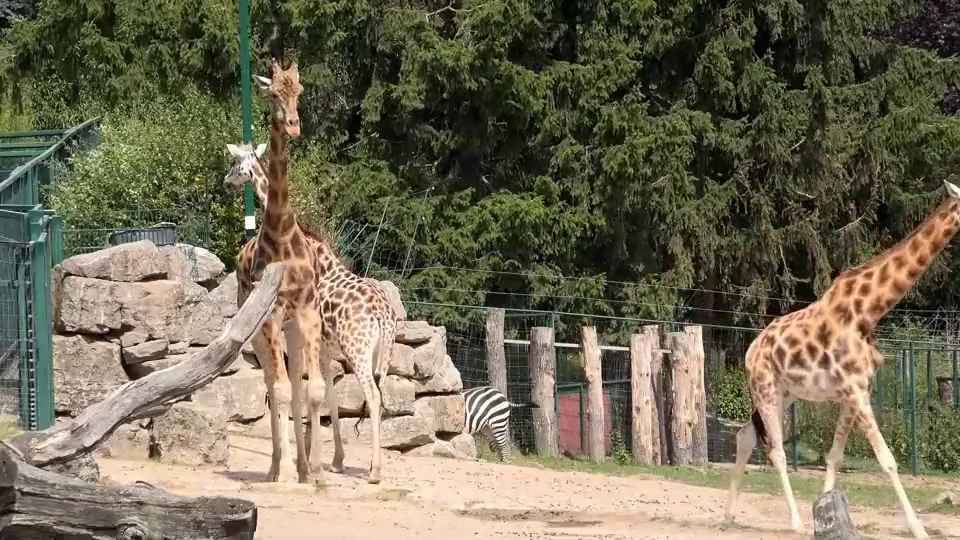 Frame interpolation2 CLIPS
Interpolate
30 → 60 fps conversion — frame-step to see the synthesized in-betweens.
Inspect demos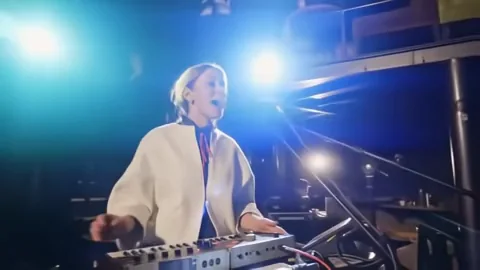 Temporal video denoising1 CLIP
Denoise
A denoise-only pass — clean shadows without plastic smoothing.
Inspect demos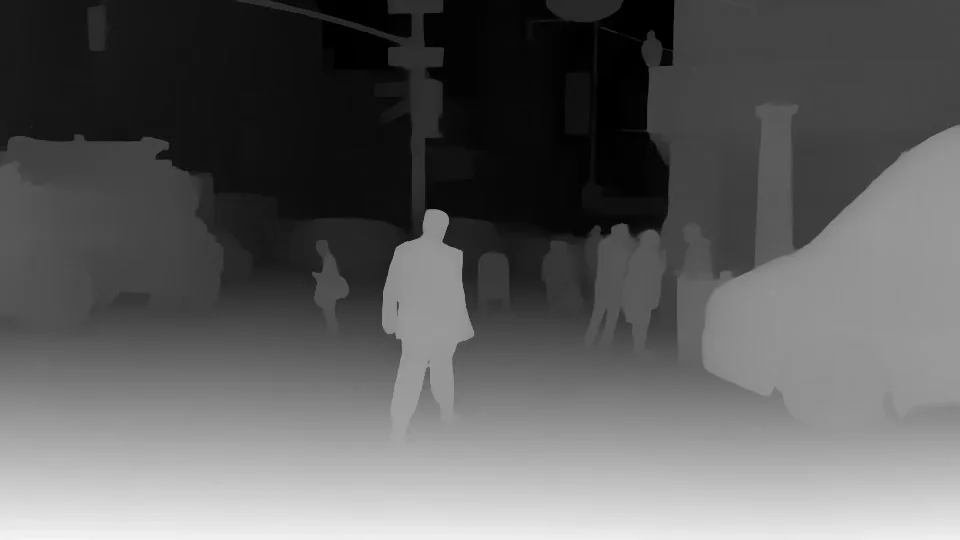 Video depth maps2 CLIPS
Depth
Relative and metric depth maps, swept against the source RGB.
Inspect demos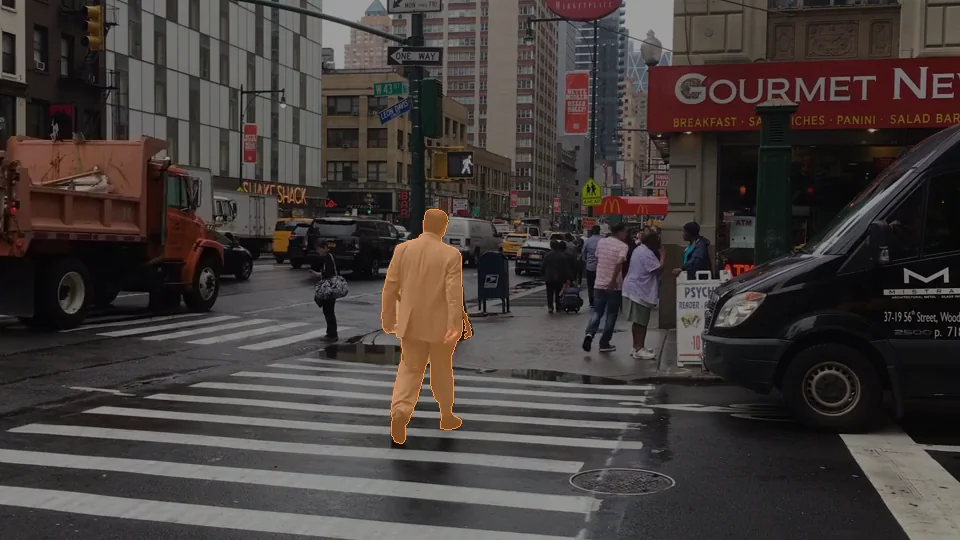 Object masking & tracking1 CLIP
Segment
One click, one mask — tracked across every frame, feeding Refine’s region-only fixes.
Inspect demosHead-to-head
Regenerate-Q vs. Topaz Starlight
Starlight is Topaz Labs’ flagship diffusion model; ours is Regenerate-Q. Same licensed source, matched frame for frame.
Head-to-head
Refocus vs. Topaz Video AI
Seven clips, same source footage through both engines. Judge detail, motion, and texture yourself — frame by frame.
Feature · Refine workspace
Fix one region. Skip the re-render.
A real fix, start to finish: crease lines from tiling, box-masked, patched, and blended back. Find the seam, then watch it disappear.
The best demo is your own video.
The free trial runs every model locally on full videos — watermarked, no credit card required.