Record.
Review.
Refocus.
Seven state-of-the-art models for upscaling, restoration, and finishing. Always local, never leaving your machine. No uploads. No credits. No compromise.
Seven state-of-the-art models.
Our flagship upscale chains Refocus into Regenerate-Q — and the same job can interpolate, denoise, and restore before you finish with masks, depth, and focus in the Refine workspace.
 Flagship upscale · Regenerate-Q
Generative quality, practical speed
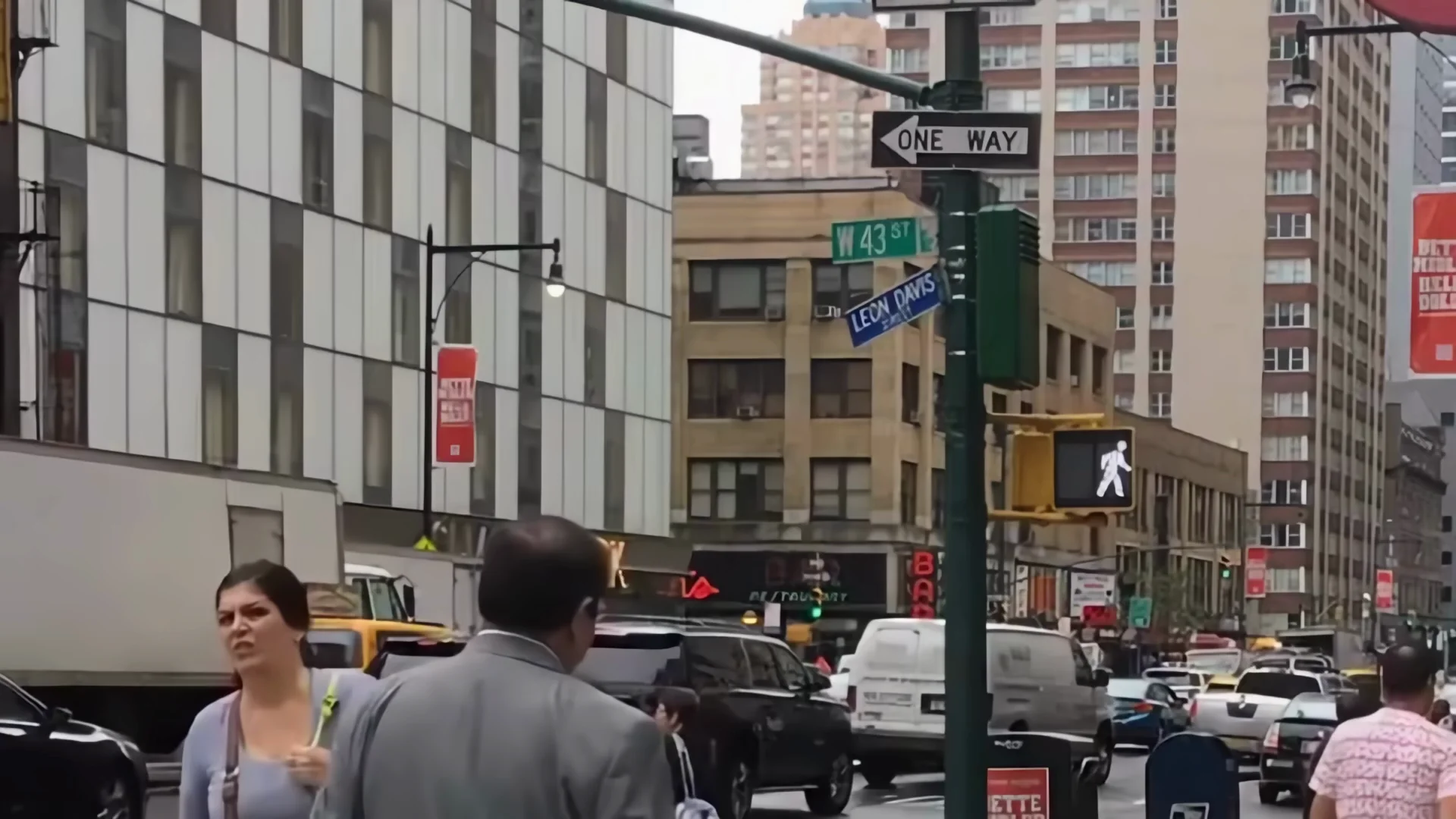
2 stage upscaling: the first stage to recover details faithfully, then a one-step generative pass to rebuild the fine textures — video diffusion in minutes, not hours.
 Refocus
Fast, faithful 4×
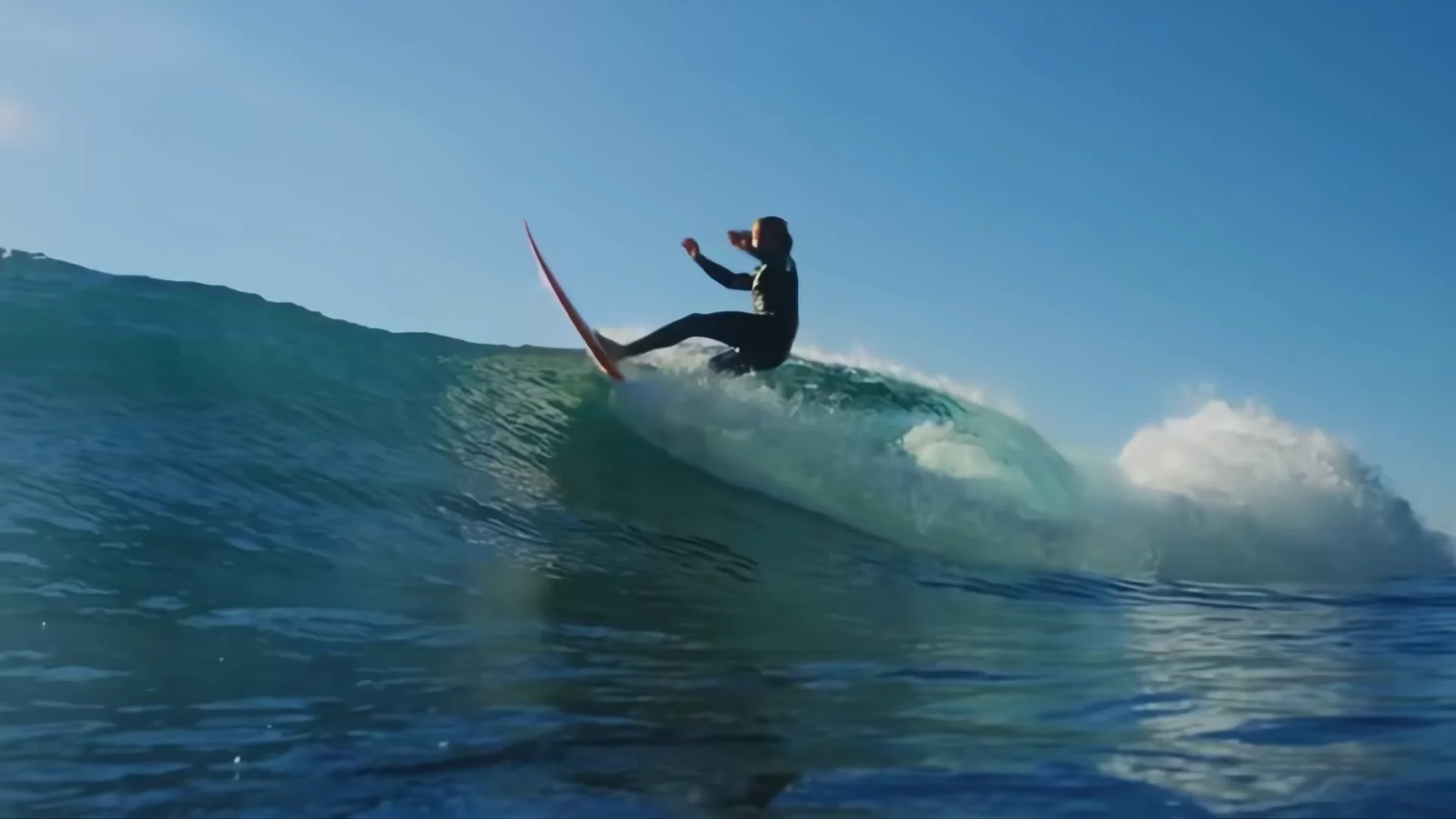
Motion-aware super-resolution that reads the changes between frames — sharp, temporally stable detail that simulates the original camera capture.
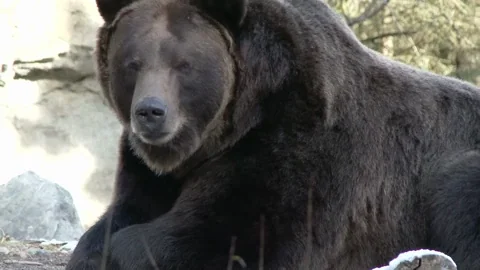 Regenerate
Diffusion restoration
The deepest restoration in the suite — a full diffusion pipeline that rebuilds plausible pixel-level detail on heavily degraded footage.
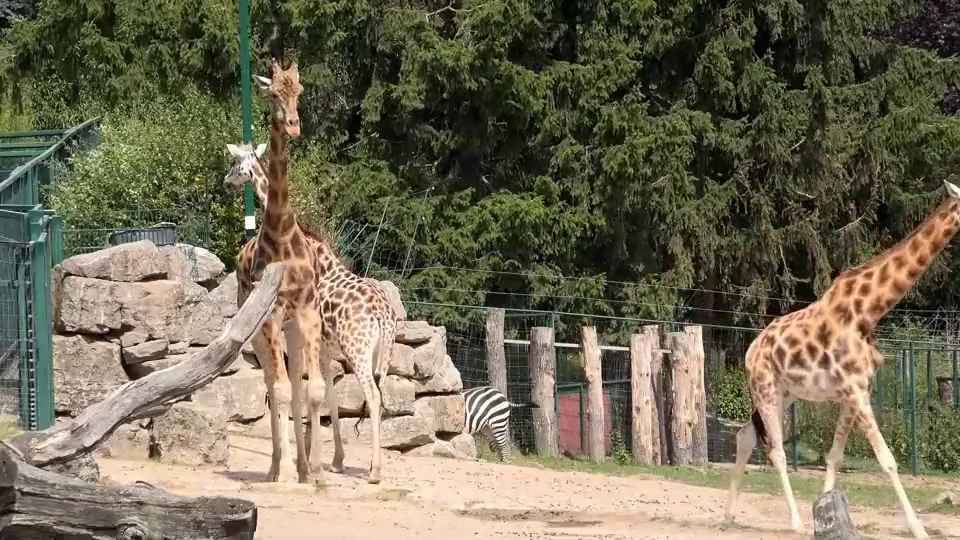 Interpolate
Fluid motion
Optical-flow frame synthesis for 60/120 fps conversion and silky slow motion — new in-between frames, built rather than blended.
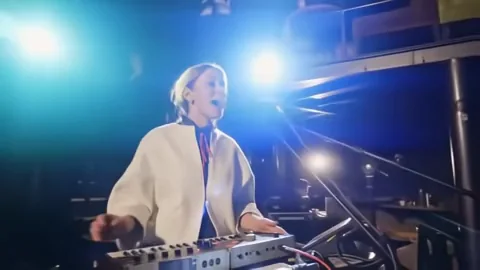 Denoise
Clean, not plastic
Self-supervised temporal denoising with one strength dial. Grain and flicker go; real texture stays.
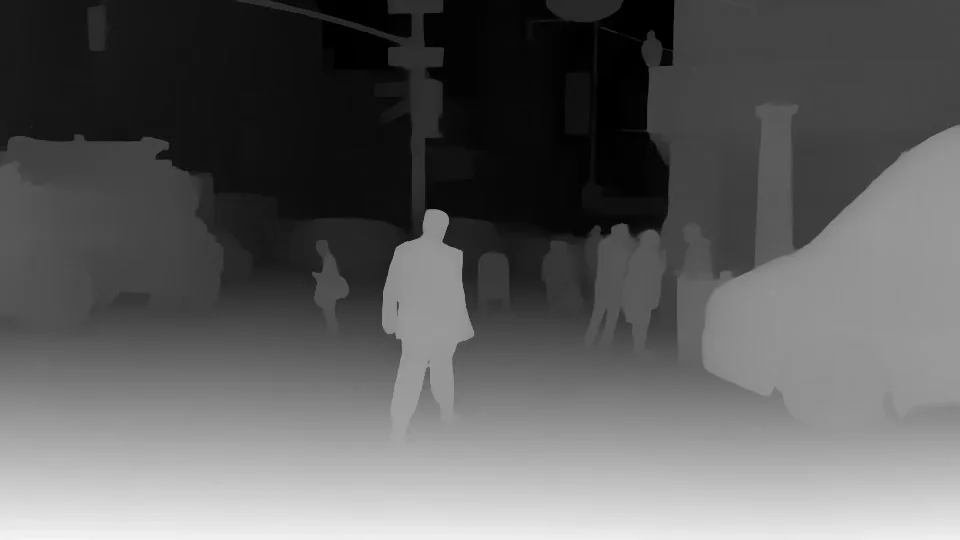 Depth
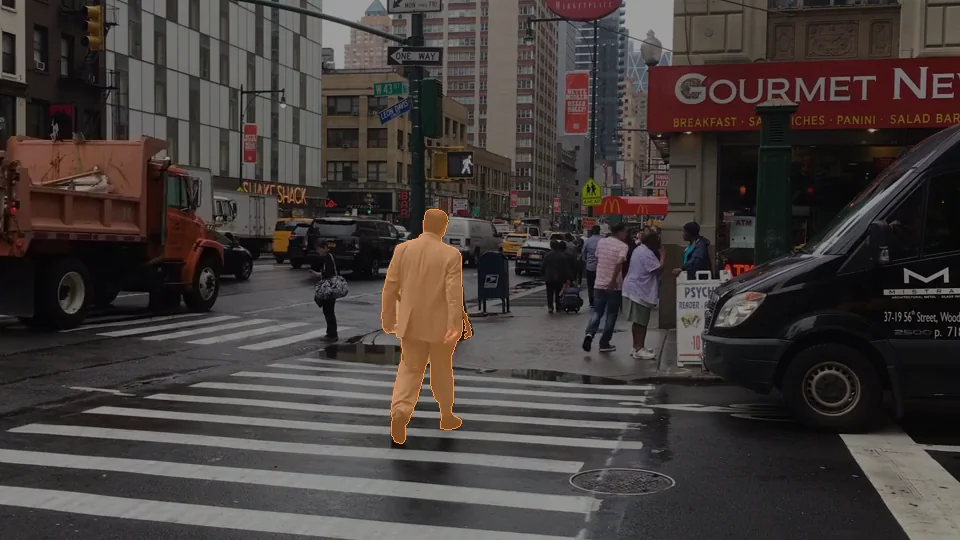
DepthDepth maps — relative or metric
Seam-free video depth, relative or in real-world meters. Powers cinematic refocusing, depth-based selections, and VFX export.
 Segment
Click an object. Track it everywhere.
SAM 2.1 promptable masks follow subjects across frames — the foundation for targeted, region-only fixes in Refine.
See the difference for yourself.
Drag the slider to compare the original with the enhanced result. Inside the app, the Compare view goes further — synchronized A/B playback with up to 8× zoom for frame-by-frame inspection.
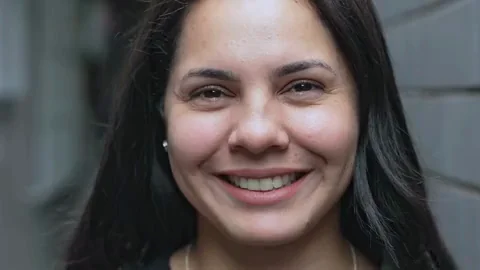
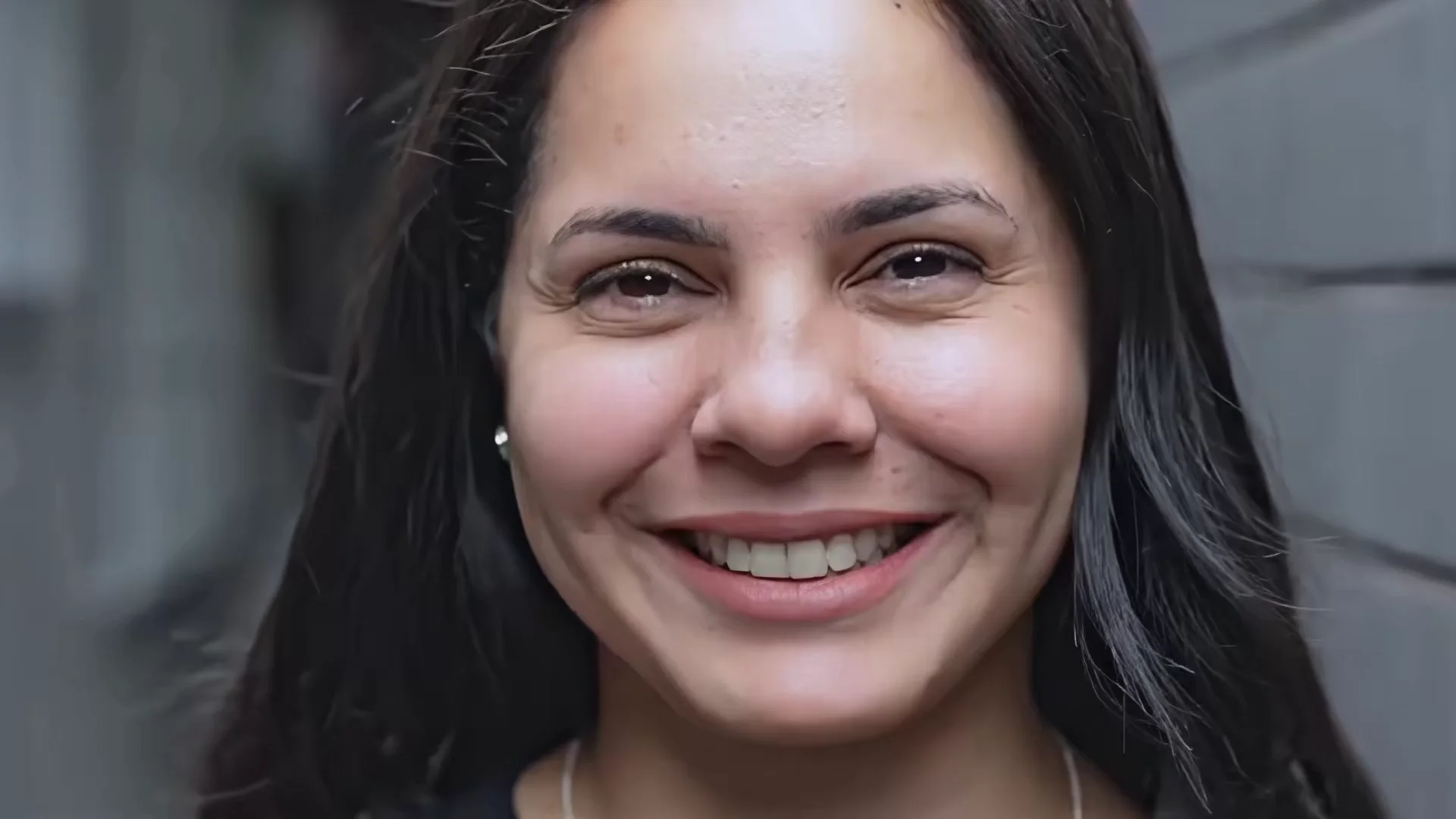 ORIGINALREFOCUSED
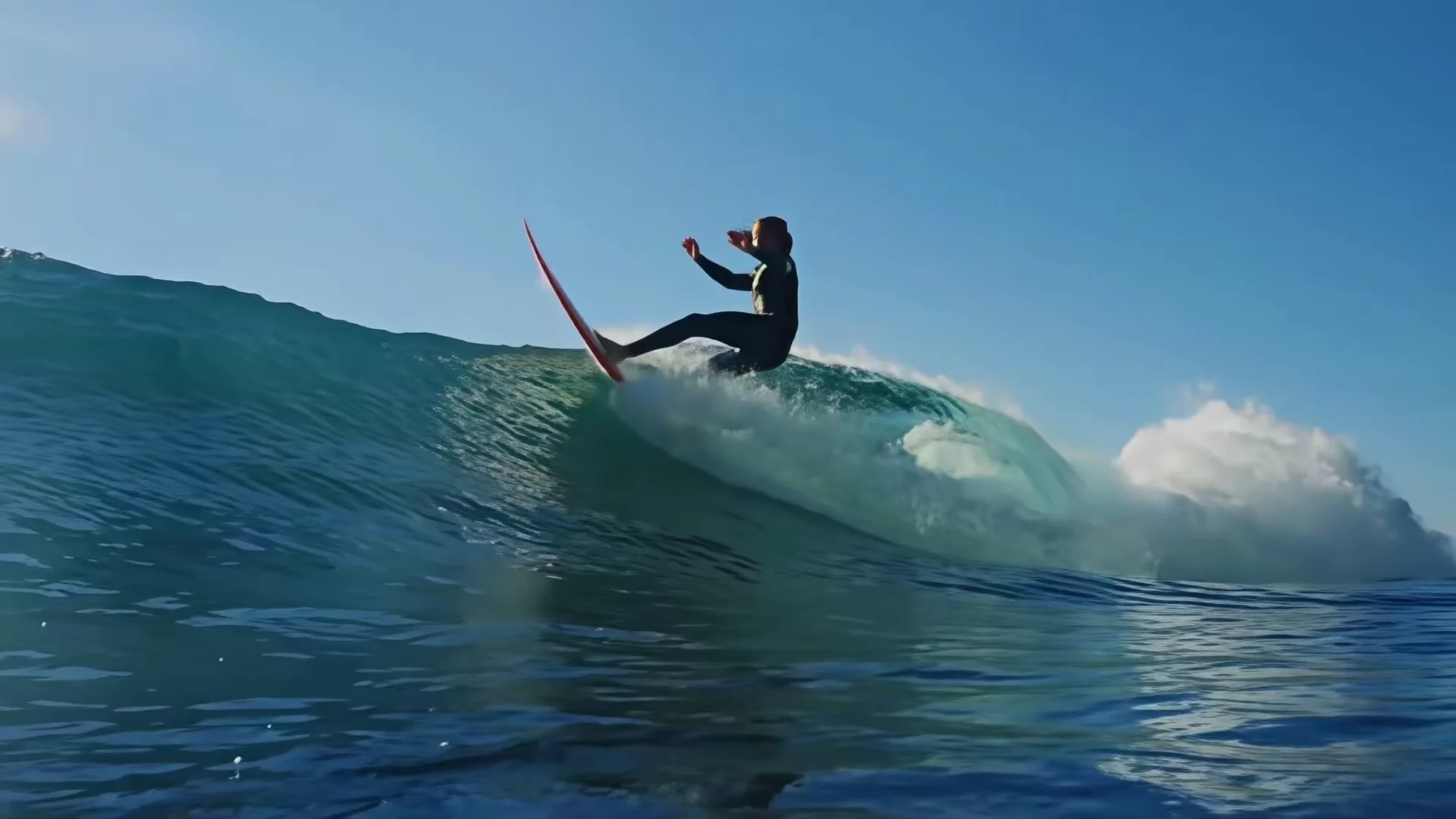 Action · full workflow
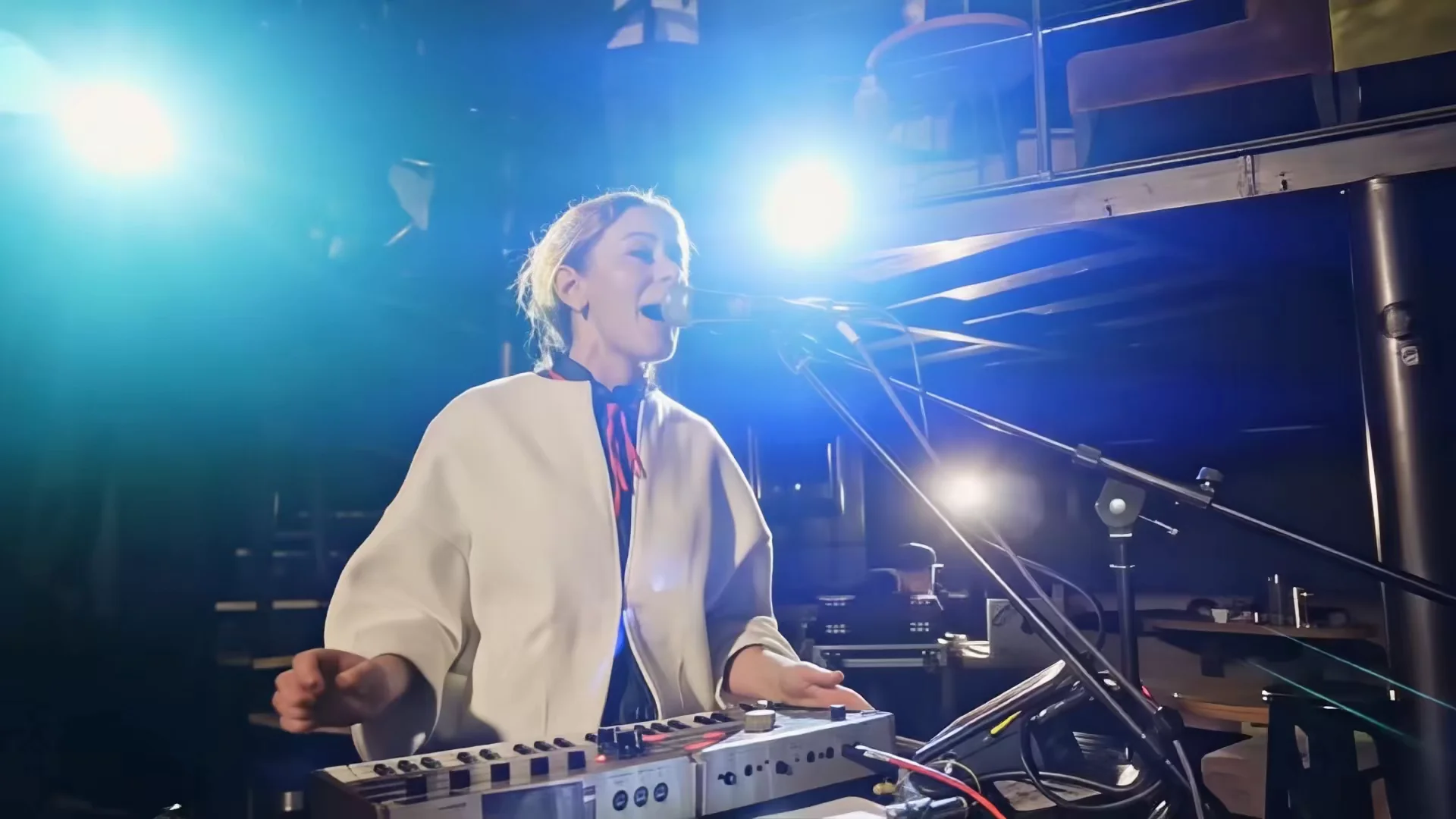 Low light · full workflow
Our flagship vs. Topaz Starlight.
Starlight is Topaz Labs’ flagship diffusion model; ours is Regenerate-Q. Here are the results — same licensed footage, matched frame for frame. Judge the fur, the knitwear, and the grain yourself.
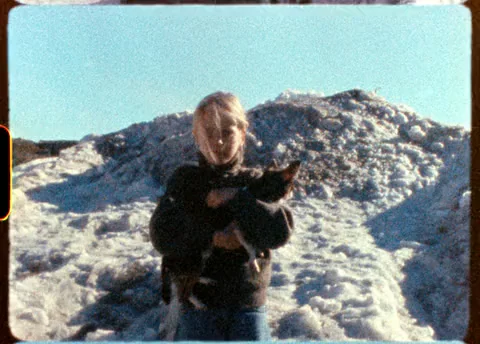 ORIGINAL · 480×344
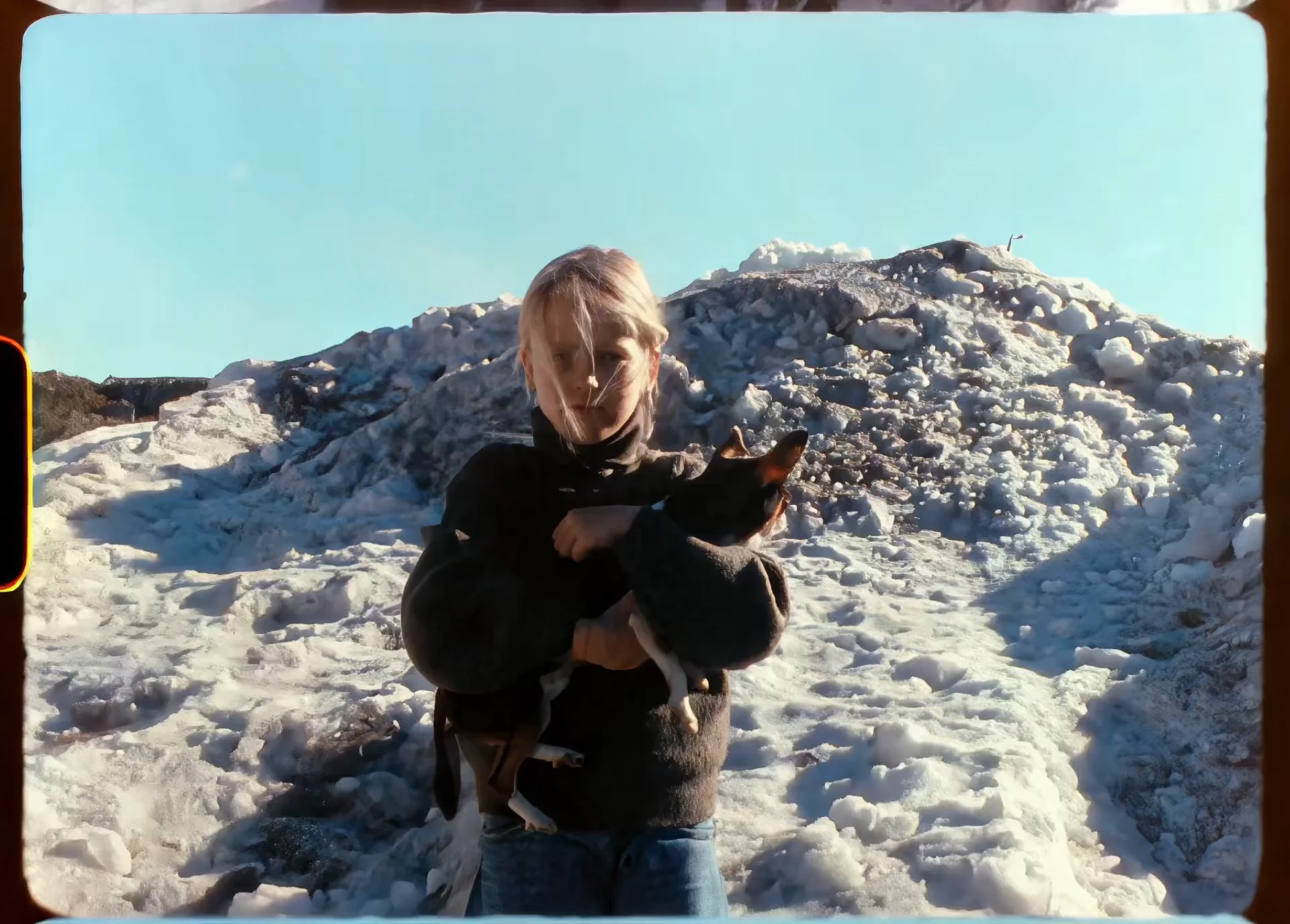 REGENERATE-Q
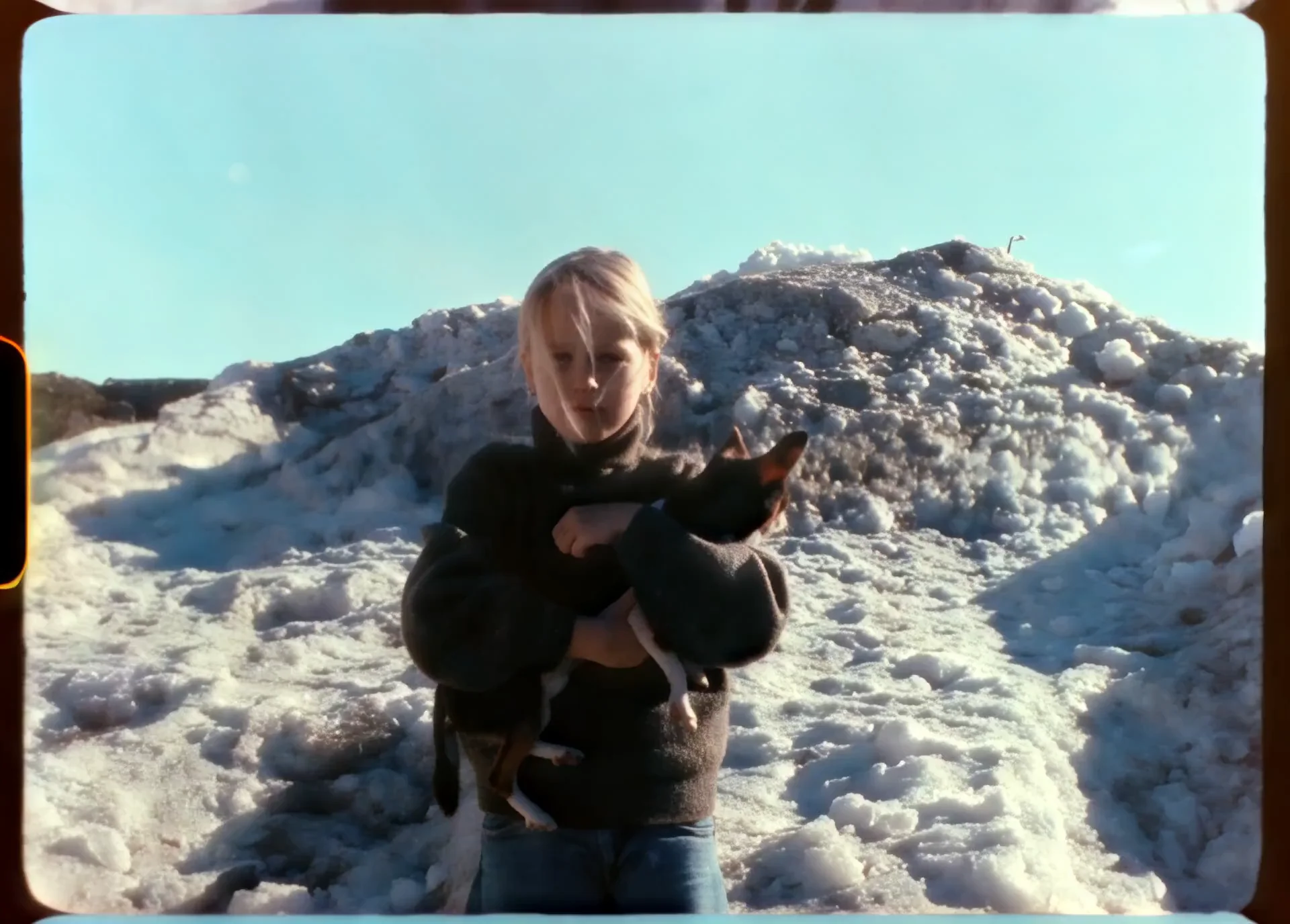 TOPAZ STARLIGHT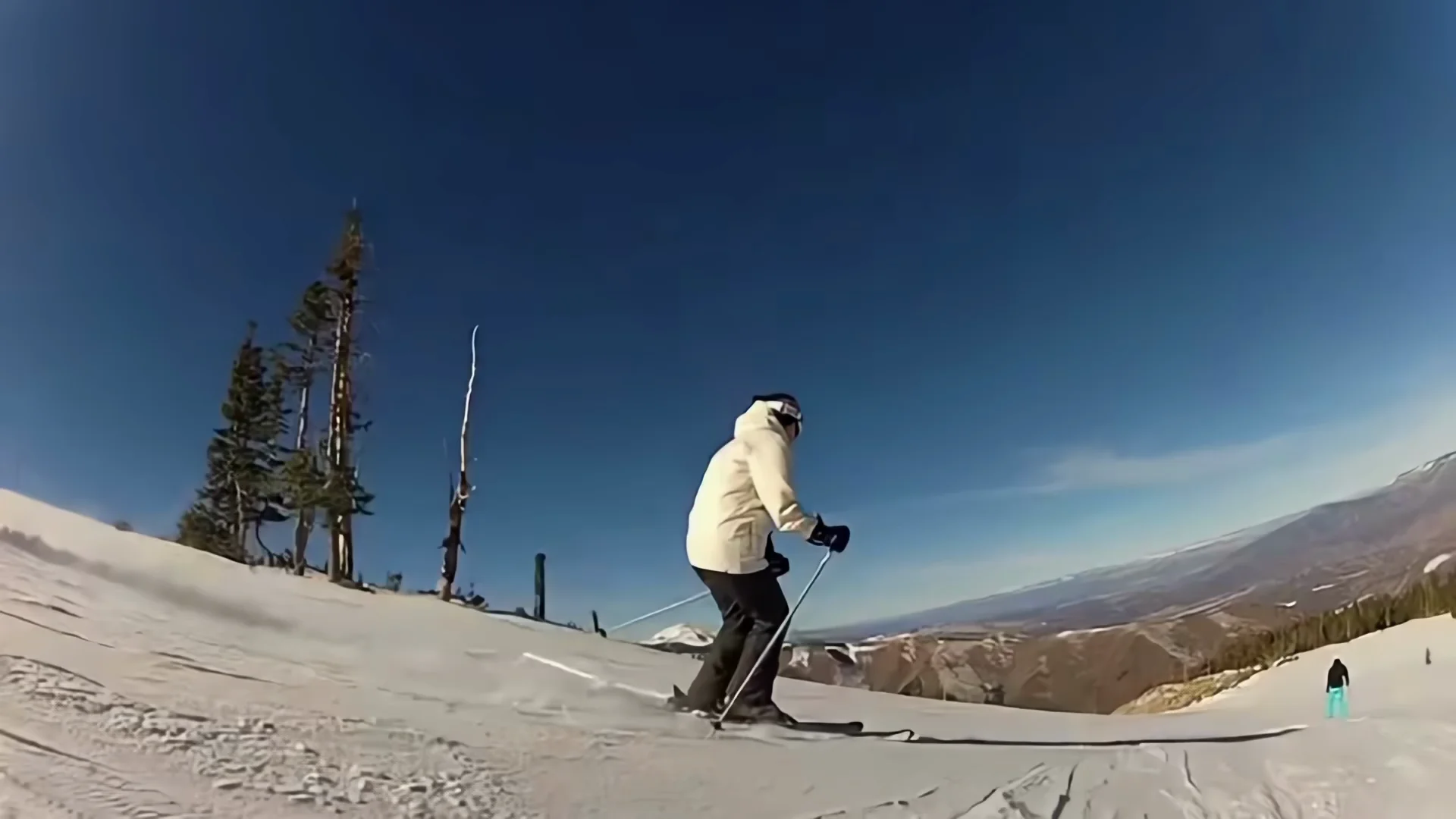
Click an object. Refine just that region.
When one part of a clip needs more work, you don't re-render the rest. Refine uses segmentation masks to select an object, follow it across frames, and re-process only that region — then blends the fix back into your enhanced video.
Reprocess — re-run AI on one region only
Mask an object — a fixed area, or tracked as it moves — run a fresh enhancement pipeline on that region alone, and blend it back seamlessly.
Mask & depth selections
Click-to-segment object masks and depth-threshold selections give you precise control over exactly which pixels get touched.
Focus — synthetic depth of field
Pick a subject; we keep it sharp and blur the rest by real depth. Adjustable strength, blur ceiling, and focal band.
On-device. Engines are built for your exact hardware and your footage never leaves the machine.
License, yours outright. Unlimited processing on up to five devices — no subscription, no credits.
Delivery-ready output. Master at up to 8K with 10-bit ProRes, HDR, and image-sequence export.